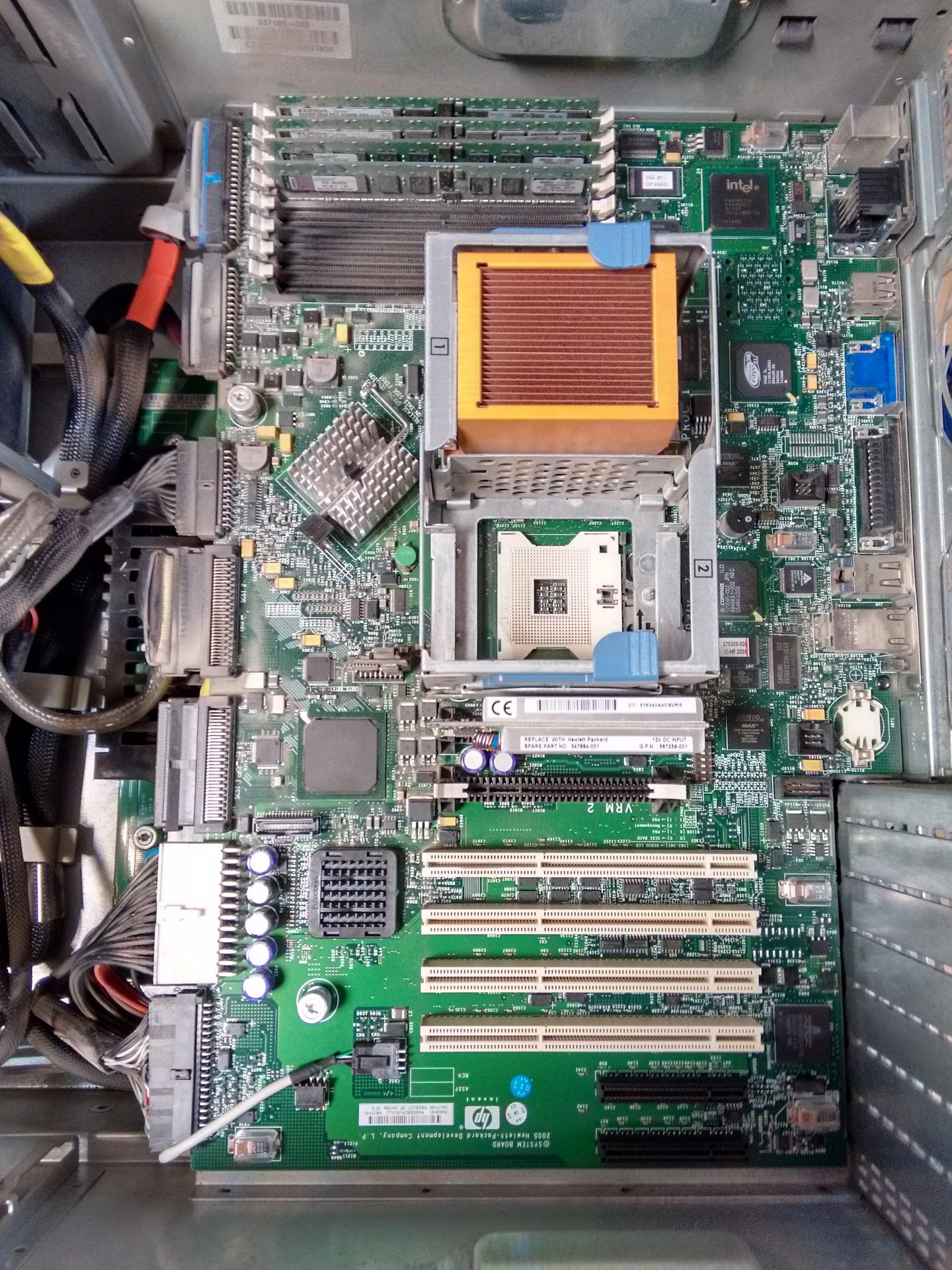
When you turn on your computer to check if everthing is running and you run in to a problem where it dont turn on or it a black screen it usally means there was a problem with the wiring, or the monitor wasn't connected properly. Make sure everthing was connected, power supply has to turned on from the the back of the computer if your computer is not turning on. Once you have successfully turned on your computer you will see the fans on the side spin and the logo lights up on the monitor. On the monitor you want to go in to BIOS to confirm that your CPU, Memory, and storage are all reconized you are good to start using your computer.
If you are still having trouble turning on your computer or assembling your computer then the video shown blow give you a detailed explanation on how to assemble your computer and other issues. It will help understad more about how the computer is assembled. This video will also show all troubleshooting issues that you have. It will also show you whats the best parts for your computer and what could be better for your computer and the best solution for your computer's.
How to build a PC, the last guide you'll ever need!